Skip to content
TurnIntoCMS

For Lovable sites

You built it in Lovable. Now it's a CMS.

Plug in the repo. Edit by clicking, not prompting.

  1. Your code

    src/pages/Index.tsx

    const Index = () => (
      <main>
        <h1>Yoga in the park, every Saturday</h1>
        <p>Drop-in class: $15</p>
        <a href="https://cal.com/sunrise-yoga">Book a spot</a>
      </main>
    );
  2. After your client clicks publish

    content: update 2 items

    • src/pages/Index.tsxDrop-in class: $15→Drop-in class: $18
    • src/pages/Index.tsxBook a spot→Book this Saturday
    • Edited by Dana Ruiz via TurnIntoCMS
Example, names are fictional.
  • Edit by clicking, not prompting

  • Edits sync back into Lovable

  • Clients need no Lovable account

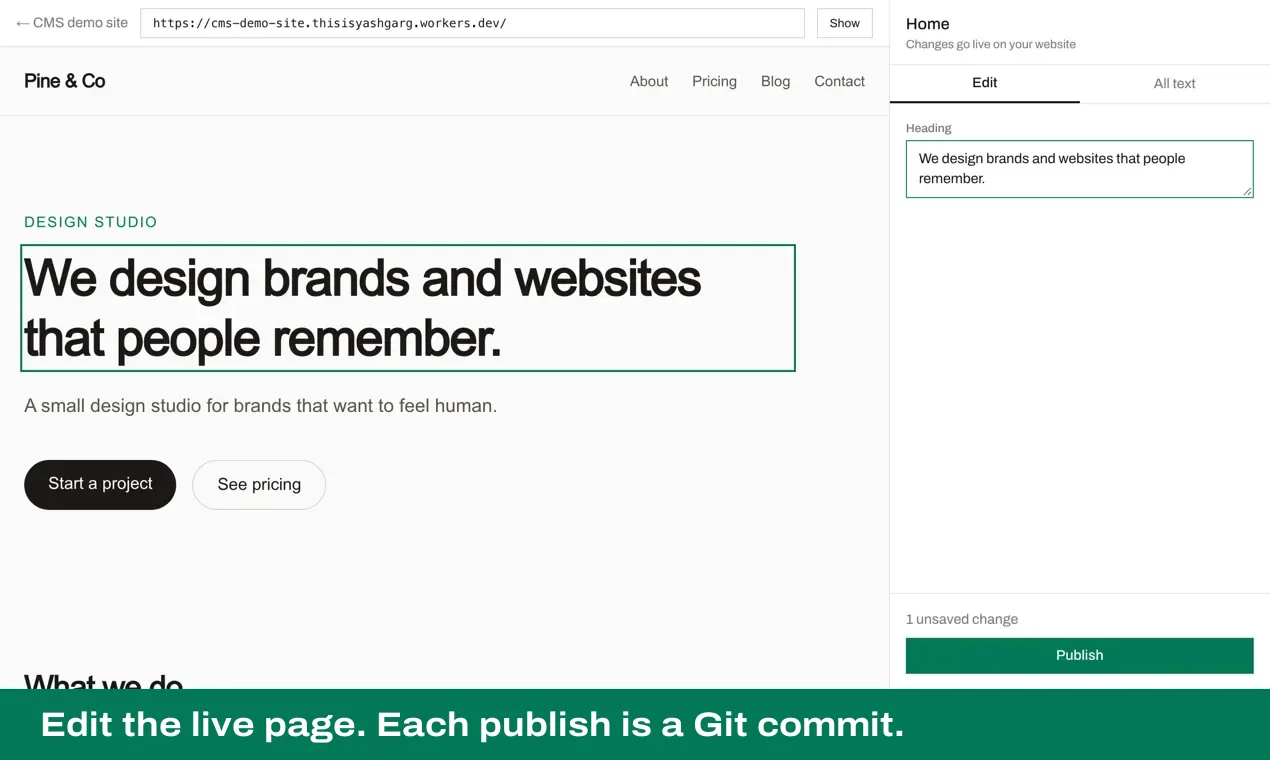
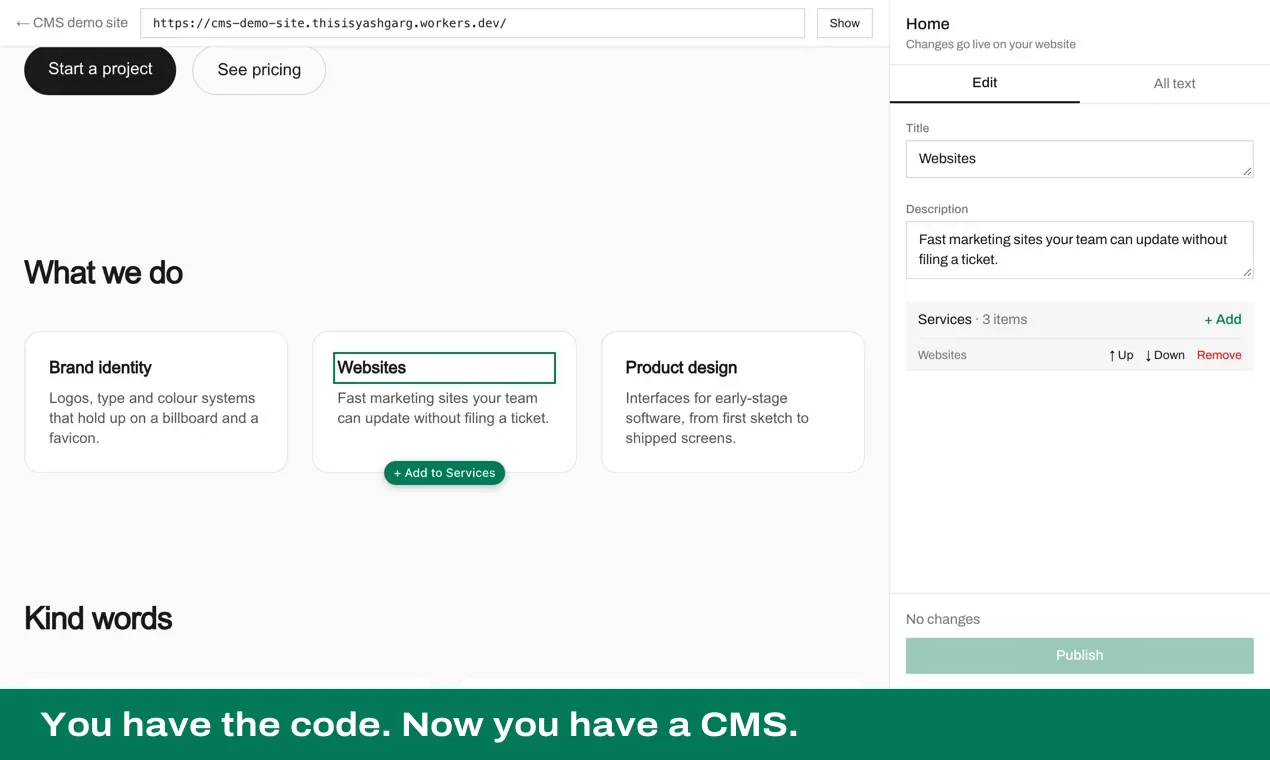
The real editor, not a mockup.

TurnIntoCMS editor with a heading selected on the live page and open as a text field beside it

Live in three steps.

  1. 1

    Sync Lovable to GitHub

    Connect the project in Lovable's settings.

  2. 2

    Plug in the same repo

    Pick it when you connect GitHub here.

  3. 3

    Click, edit, publish

    The commit syncs back into Lovable.

Questions

Do edits in TurnIntoCMS use Lovable messages?

Edits made in TurnIntoCMS don't go through Lovable's chat at all. They are commits to your GitHub repository.

Will my edit show up in Lovable?

Yes, if you publish to the branch Lovable syncs. Lovable's GitHub docs say changes pushed to the active branch sync back into Lovable.

Can my client edit without a Lovable account?

Yes. Invite them by email from TurnIntoCMS. They sign up with their email address and never need a GitHub account or any Git knowledge. They don't need a Lovable account either.

What if Lovable and TurnIntoCMS change the same file?

TurnIntoCMS checks that each file hasn't changed on GitHub since the page was opened. If Lovable pushed a change to that file in between, publishing stops and asks you to refresh, so neither change is lost.

Which parts of a Lovable site can be edited?

Headings, paragraphs, button and link text, link targets, images and alt text, and items in arrays such as feature lists, pricing tiers or testimonials, as long as they are written in the code.

The details

Small edits shouldn't need a prompt

Lovable is good at building a site from a description. It is a heavy tool for the tenth small change: a new price, new opening hours, a photo swap. Each one goes through the chat, and the AI may touch more than the line you meant. If you handed the site to a client, they also need a seat in your Lovable workspace to make that change, and the confidence to word a prompt.

Moving it to another CMS platform for an editor would mean rebuilding it in their format and paying monthly for the site. TurnIntoCMS turns the code Lovable already wrote into a plain editor instead. Click the heading, type the new words, publish. Nothing else in the file changes, and the edit is a normal Git commit you can read.

How it works with Lovable's GitHub sync

Lovable can connect a project to a GitHub repository. Its docs say changes made in Lovable sync to GitHub, and changes pushed to the active branch, by default the repository's default branch, sync back into Lovable. TurnIntoCMS works on that repository. It finds pages in src/pages, such as src/pages/Index.tsx, plus src/App.tsx, then follows the components and data files they import.

When you publish, TurnIntoCMS commits to the branch you pick. Pick the branch Lovable syncs and the edit shows up in your Lovable project too, so you can keep building there with the new copy in place. If the site deploys from that repo, it redeploys from the commit.

Before you start

Connect the project to GitHub inside Lovable first. TurnIntoCMS needs the repository, not the Lovable project. It also needs the published site's address to show the live preview.

Content stored in a database, such as rows in Supabase, isn't in the repo, so TurnIntoCMS can't edit it. Content written in your components and data files is editable.

Related reading

Turn your Lovable repo into a CMS.

One website free. Then $1 each, paid once.